CMMS Implementation
CMMS Implementation: A Complete Step-by-Step Guide
Setting up a Computerized Maintenance Management System (CMMS) to make maintenance work easier is called CMMS implementation. Planning, moving data, setting up,

Setting up a Computerized Maintenance Management System (CMMS) to make maintenance work easier is called CMMS implementation. Planning, moving data, setting up, training the team, and ongoing optimization are all parts of a successful rollout. This process can take anywhere from one to six months, based on the size and complexity of the organization.
From the outside, setting up a CMMS seems pretty simple. In real life, it's one of the most important tech choices a maintenance or operations team will have to make. If you do it right, it changes reactive defense into proactive planning. If it's not done right, it causes expensive problems and low acceptance rates.
This guide walks you through every step of CMMS implementation, from getting ready in the beginning to figuring out how well it's working in the long term, so your team can get right to work.
What Is CMMS Implementation?
The whole process of choosing, setting up, implementing, and using a Computerized Maintenance Management System in a business is called CMMS implementation. Setting up asset records, defining workflows, moving historical maintenance data, integrating with other systems, and teaching your team how to use the platform well are all part of this.
The objective is to switch from maintenance tasks that are done by hand, on paper, or without internet connection to an organized digital system that makes things more clear, accountable, and effective.
Why Is CMMS Implementation Important?
When maintenance teams don't have a CMMS, they often have problems with unexpected downtime, forgetting to do preventative maintenance, and not being able to see what assets they have. These problems can be fixed directly by a CMMS that is set up correctly.
Key benefits include:
Reduced equipment downtime through preventive and predictive maintenance
We can process and send work orders faster.
Better compliance with regulations and readiness for audits
Accurate tracking of upkeep costs
Longer life for assets thru regular maintenance
Companies that take the time to properly implement CMMS instead of rushing the process always see higher usage rates and a faster return on their investment.
How to Prepare for CMMS Implementation
Preparation is where most implementations succeed or fail. Before setting up a single thing, your team should:
Define your goals. What are you trying to fix? Reducing downtime, better PM compliance, centralizing records? Every decision after that is based on clear goals.
Check the way you do things now. Make a map of your current workflows, mark any inefficiencies, and write down what data you have and how it is organized.
Get your implementation team together. This usually includes a project lead, IT support, maintenance supervisors, and a vendor representative.
Get rid of your data. Asset lists, equipment specs, and historical maintenance records should be reviewed and standardized before migration.
10 Steps to Implement a CMMS Successfully
Define scope and objectives Set measurable goals and identify which facilities, asset types, and teams are included in the rollout.
Pick the right CMMS Look at platforms based on your budget, team size, business, and the need for integration.
Send your implementation team to work. Assign clear roles and responsibilities, including a dedicated project manager.
Audit and clean existing data Get rid of duplicates, make sure that names are consistent, and set up asset hierarchies.
Configure the system You can set up user roles, work order types, priority levels, and asset records.
Move data: Move old records, data on assets, and information about vendors to the new system.
Integrate with existing tools If you need to, you can connect your CMMS to ERP, IoT sensors, inventory management, or buying systems.
Get your team ready. Conduct role-specific training for technicians, supervisors, and administrators.
Run a pilot Test the system with a subset of assets or a single facility before full deployment.
Go live and monitor Launch system-wide, track adoption, and address issues quickly.
Common CMMS Implementation Challenges
Implementations that are well thot out still run into problems. These are the most common problems:
Low number of users. Technicians who are used to working with paper may not want to change. Address this early with hands-on training and clear communication about the benefits.
Poor data quality. Moving data that isn't complete or isn't consistent causes problems that never go away. Invest time in data cleaning before go-live.
Scope creep. Trying to set up everything at once slows down rollout. Start with the most important features and add more over time.
Not enough training. Underprepared users make errors, lose confidence, and abandon the system. Budget appropriate time for training at every role level.
Integration gaps. Connecting a CMMS to existing ERP or inventory systems can be technically complicated. Involve IT early.
CMMS Implementation Best Practices
Phase your release. Before going company-wide, start with just one site or type of asset.
Before you start configuring, make sure that all assets, locations, and work order types have the same names.
Get end users involved early on. Technicians who help set up the device are more likely to use it.
Write down everything. For future use, configurations, integrations, and workflows should be written down.
Set up regular check-ins for the first 90 days to find problems early on before they get worse.
Platforms like Mantrixs are made to make implementation as easy as possible. They offer guided setup workflows and dedicated onboarding support that cut the time to first value by a large amount.
How Long Does CMMS Implementation Take?
Schedule changes based on how complicated the organization is:
Two to six weeks for small teams with one to two sites.
Mid-size companies (3–10 sites): 1–3 months
3 to 6 months or longer for enterprise deployments (10 or more sites)
The most important factors that affect time are how hard the data migration is and how many connections need to be done. A phased method almost always speeds up deployment more than trying to do a full-scale launch on the first day.
How Much Does CMMS Implementation Cost?
CMMS implementation costs usually fall into three categories:
Licensing software costs anywhere from a few hundred dollars a month for small teams to several thousand dollars a month for large businesses.
Implementation and setup fees are one-time costs that cover setting up, moving data, and getting help with integration.
Training costs include time spent on training by employes and any training materials given by a vendor.
When tools, setup, and training are added up, the total costs of implementation for small to medium-sized businesses are usually between $5,000 and $50,000. This can be a lot more for enterprise setups with complicated integrations.
CMMS Implementation Checklist
Use this checklist to track success across your implementation:
Set goals and measures of success
Implementation team put together
CMMS platform chosen
Data on assets was checked and cleaned.
Naming conventions standardized
System configured (assets, PMs, work orders, users)
Historical data migrated
Integrations were checked and approved.
Role-specific training finished
Pilot test completed and issues resolved
Full go-live was done.
Set up a monitoring plan for after the launch
How to Measure CMMS Implementation Success
Once it's up and running, keep an eye on these key performance indicators (KPIs) to see how well it's working:
PM compliance rate Percentage of scheduled preventive maintenance tasks finished on time
Mean Time to Repair (MTTR) How long it usually takes to fix a repair problem
Mean Time Between Failures (MTBF) How often equipment breaks down over time
Rate of work order completion How many work orders were finished within the time frame that was set
Rate of user adoption % of people who are supposed to use the system actually log in and use it
Check these metrics once a month for the first three months after launch, and then every three months after that.
CMMS Implementation vs. Traditional Maintenance Management
Factor
Traditional Maintenance
CMMS Implementation
Work order tracking
Paper or spreadsheets
Centralized digital system
PM scheduling
Manual calendars
Automated triggers and alerts
Asset history
Fragmented or unavailable
Consolidated and searchable
Reporting
Time-consuming to produce
Generated on demand
Scalability
Limited
Scales with your operation
Traditional systems aren't just slower; they create knowledge gaps that surface at the worst possible times, like during audits or equipment failures.
Final Thoughts on Successful CMMS Implementation
Setting up a CMMS is not a one-time thing; it's a process. When a company goes live with a new system, they should see it as just the beginning. They should then keep improving configurations, adding new use cases, and keeping an eye on key performance indicators (KPIs) as their operations change.
Planning and getting the data ready are the most important steps in making the shift go smoothly. Shortcut that part, and you'll spend months cleaning up problems that could have been avoided.
If your team is ready to move from reactive maintenance to a proactive, data-driven operation, Mantrixs offers a purpose-built CMMS with guided implementation support to get you there faster. Set up a demo right now to see how Mantrixs can make your rollout easier from the start.
Keep reading
More from the Mantrix blog

Parking Lot Maintenance: Save Money with Preventive Care
A proactive parking lot maintenance strategy helps prevent potholes, cracks, drainage issues, and costly repairs. This guide explains preventive maintenance, common parking lot problems,

Agtech Farm Equipment Maintenance: Common Challenges and How to Solve Them
Farm equipment maintenance is becoming more complex as modern machinery evolves. Learn how digital maintenance systems, preventive scheduling, and agtech solutions can reduce downtime and improve equipment reliability.
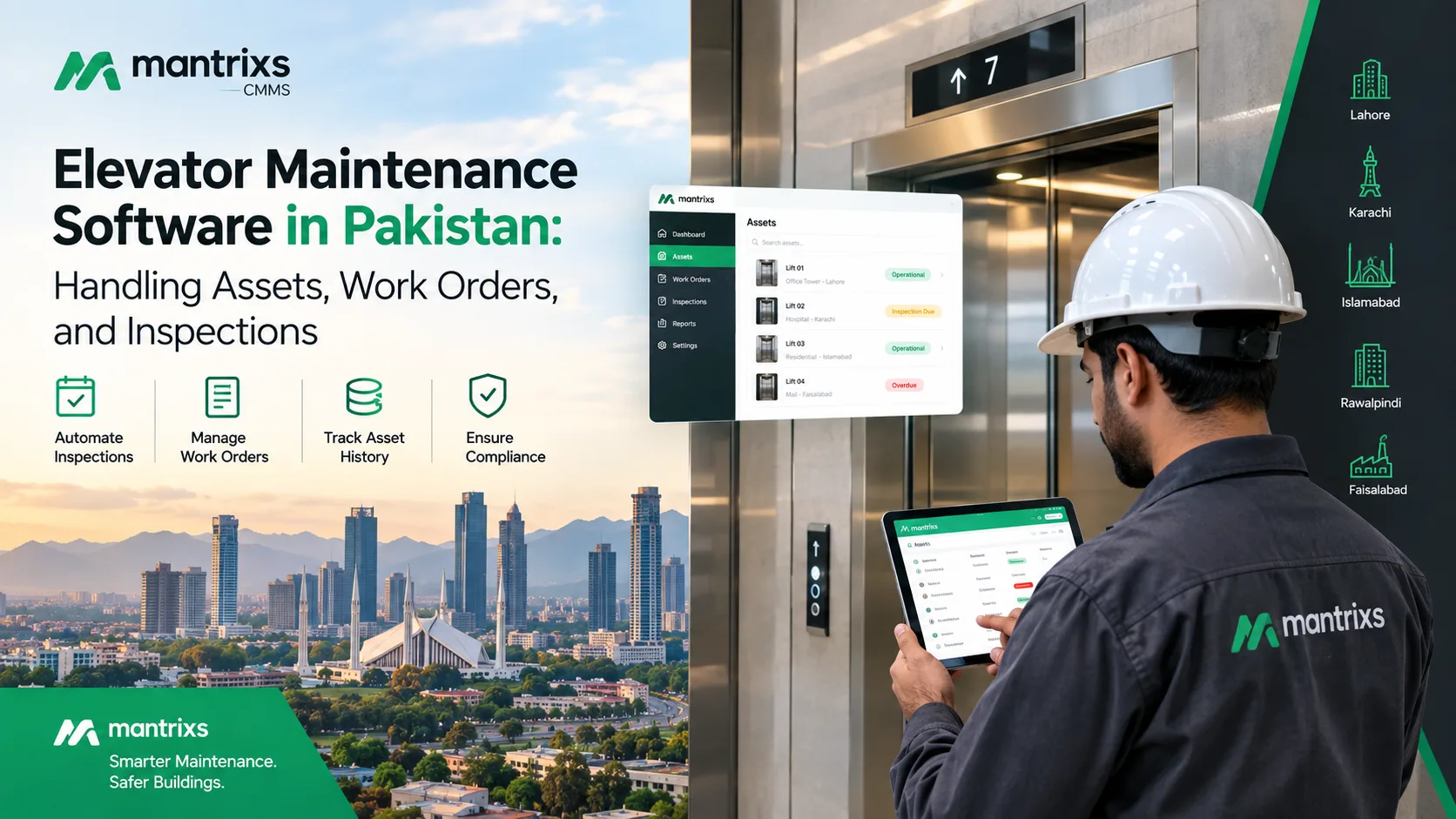
Elevator Maintenance Software in Pakistan: Handling Assets, Work Orders, and Inspections
Discover how elevator maintenance software in Pakistan helps facility teams manage assets, inspections, work orders, maintenance records, and multiple properties.