Work order management
Easy Work Order Software for Field Service Teams
Easy work order software helps field service teams plan jobs, dispatch technicians, reduce paperwork, and improve communication all from one platform. The best solutions are mobile-first, easy to use,

Easy work order software helps field service teams plan jobs, dispatch technicians, reduce paperwork, and improve communication all from one platform. The best solutions are mobile-first, easy to use, and work with business tools like CRMs and ERPs that are already in place.
Field service teams are always under a lot of stress. Technicians need to have the right parts and be in the right place at the right time. Customers can tell right away when teamwork breaks down. Missed appointments, lost paperwork, and communication gaps between dispatchers and technicians aren't just frustrating; they're expensive.
There is software called "work order" that can fix these issues. But not every piece of software is the same. Too much complexity in a system makes people less likely to use it, leads to workarounds, and eventually fails the team it was meant to help. That's why the emphasis on easy isn't a marketing buzzword, it's the difference between a tool your team uses and one that collects digital dust.
What Is Work Order Software?
Work order software is a computer program that can handle all parts of a field service job, from the original customer request to scheduling, dispatching, carrying out the work on-site, and finally billing. It gets rid of paper systems and spread sheets that aren't linked to a central hub where office workers and field technicians can work together in real time.
Work order software is designed to be used in field service operations, unlike general project management tools. It includes features like GPS tracking, mobile job access, parts inventory management, and customer contact tools. Work order software keeps track of technicians, assets, locations, and service history at the same time. A project management tool might keep track of jobs and due dates.
Why "Easy" Matters in Work Order Software
Does user-friendly software actually improve field team performance?
Yes, in a big way. When software is intuitive, technicians adopt it without resistance, and the benefits compound quickly.
Faster onboarding: Training can be done in days instead of weeks on a platform with a clean interface and clear workflows. This is very important for fields with a lot of turnover, like field service.
Fewer errors: Manual data entry is a leading cause of billing disputes and missed service details. Structured digital forms, auto-populated fields, and validation checks in easy work order software help cut down on input errors at the source.
More satisfied technicians: Field technicians don't want to mess around with software while they're in a noisy factory or at a customer's house. They can keep track of job changes, take pictures, get signatures, and finish work orders in minutes instead of half an hour if the mobile app is easy to use.
Better experience for the customer: faster job finish and more accurate paperwork directly lead to shorter billing cycles and fewer calls to follow up. When things go well, customers notice.
Key Features of Easy Work Order Software for Field Service Teams
What features should field service teams look for in work order software?
The best work order software for field service teams is both easy to use and has a lot of features. Keep these core skills in mind:
Intuitive UI: A clean dashboard that shows users the right information at the right time without too many menus and sub-menus.
Mobile-first design with offline access: Technicians work in basements, remote sites, and areas with poor connectivity. The mobile app must function offline and sync automatically when a connection is restored.
Drag-and-drop scheduling: Dispatchers should be able to reassign jobs in seconds by dragging work orders across a visual calendar or map view.
Automated work order creation: Trigger new work orders automatically from customer requests, preventive maintenance schedules, or CRM updates—no manual entry required.
Integrated communication tools: In-app messaging between dispatchers and technicians removes the need for phone calls and lowers the risk of miscommunication.
Simple analytics and reporting: pre-built dashboards that show how many jobs were finished, how many technicians were used, and the average response time—without the need for a data expert to figure out what they mean.
CRM and ERP integration: Work order software should connect cleanly with existing business systems to avoid duplicate data entry and keep billing, inventory, and customer records in sync.
How Easy Work Order Software Solves Common Field Service Challenges
Dispatching and scheduling inefficiencies
Scheduling by hand is slow and prone to mistakes. With drag-and-drop dispatching and real-time technician visibility, work order software lets dispatchers give jobs based on location, skill set, and availability, which cuts scheduling time by a huge amount.
Communication gaps between office and field
Dispatchers and technicians lose knowledge when they can only talk on the phone. Integrated messaging and real-time updates on the progress of jobs keep everyone on the same page without getting in the way of work.
Paperwork and inaccurate data collection
Paper job sheets get lost, messed up, or filled out wrong. Digital work orders with required fields, photo capture, and e-signature gathering make sure that full and correct records are kept for every job.
Billing delays and invoicing errors
Techs send payment information straight to the office system when they finish a digital work order out in the field. This cuts down on the time it takes to make an invoice after a job is finished and on the disagreements that can happen because of paper forms that aren't legible or are missing information.
How to Choose the Right Work Order Software for Your Field Service Business
What should field service managers evaluate when selecting work order software?
To pick the right platform, you need to look at more than just the list of features:
The program should be able to grow with your team. It should be possible for a platform to handle 100 technicians without having to be completely re-built if it works well for 10 technicians.
Vendor support: Look for companies that offer live support, onboarding assistance, and a responsive help center. Software is only as good as the support behind it.
Security and compliance: Confirm that the platform meets relevant data protection standards, especially if you store customer payment information or operate in regulated industries.
Pricing and Return on Investment (ROI): A lot of sites offer pricing based on the technician or the job. Calculate the break-even point against time saved on scheduling, billing, and mistake correction.
User reviews: Read what other businesses of the same size and type of service have to say. Usability problems that aren't shown in sales demos are often found in reviews on sites like G2 or Capterra.
Best Practices for Implementing Work Order Software
It takes some thought to roll out new tools to a field team. A sudden full-team switch often makes people angry and resistant.
Start with a phased pilot scheme. Select a small group of technicians and dispatchers to test the software in real conditions, identify friction points, and refine the configuration before a broader rollout.
Spend money on training that fits the job. Dispatchers, technicians, and managers use work order tools differently. Tailoring training to each group's workflows lowers confusion and accelerates trust.
Finally, build a feedback loop. Technicians who use the mobile app every day will find problems with how it works faster than any internal study. Create a simple channel for them to report problems and suggest changes, and act on that feedback regularly.
The Future of Work Order Management: AI and Automation
Fast changes are being made to work order software. Field service tools are starting to change what they can do because of AI:
Predictive maintenance: AI looks at data about equipment and service records to find assets that are likely to break down before they do. This lets teams plan ahead for preventative work.
AI-powered scheduling: Machine learning systems find the best routes and jobs for technicians in real time, taking into account things like traffic, the difficulty of the job, and the skills that are needed.
Voice commands and augmented reality are two new tools that let technicians log updates without using their hands or get repair help through AR overlays, so they can keep their eyes on the job at hand instead of the computer.
These skills are moving from experimental to mainstream. Field service teams that get up-to-date work order software now will be better able to use these new features as they become more common.
Empower Your Field Service Team with the Right Tools
Field service teams can work faster when they use software that makes it easy to create work orders. The right platform lets technicians focus on the work and not the paperwork. It should have features like automated scheduling, mobile job access, integrated billing, and real-time contact.
The key is finding a solution that your team will actually use. That starts with simplicity. Evaluate platforms with free trials, value mobile usability, and involve your technicians in the selection process. The results come when the tool fits the work flow.
Frequently Asked Questions About Work Order Software
What is work order software used for in field service?
Work order software helps field service teams with scheduling, dispatching, documenting work on-site, and paying for the whole job lifecycle. A centralized digital platform that can be used by both office workers and field technicians takes the place of paper-based systems.
How does work order software differ from project management software?
Work order software is designed to be used in field work situations. It has GPS tracking, mobile job access, technician dispatch, and control of assets, among other things. In general, project management tools are focused on tasks and deadlines, but they don't have the features that service teams need that are special to their field.
What is the best work order software for small field service teams?
The best platforms for small teams are those with clear prices, few setup steps, and good mobile apps. Look for options that let you try them out for free and have helpful customer service, so you can see how well they work in real life before committing.
In what amount of time does work order software need to be set up?
Implementation times depend on the technology and the size of the team. In just a few days, simple cloud-based systems can be up and running. It could take a few weeks for more complicated deployments with custom interfaces. A test group and a phased rollout can help make the change go more smoothly.
Can work order software integrate with accounting or CRM systems?
Yes. These days, most work order software can directly connect to well-known customer relationship management (CRM) and financial programs like SAP, Salesforce, and QuickBooks. These integrations stop people from entering the same information twice and keep bills, inventory, and customer records in sync across all systems.
Keep reading
More from the Mantrix blog

Parking Lot Maintenance: Save Money with Preventive Care
A proactive parking lot maintenance strategy helps prevent potholes, cracks, drainage issues, and costly repairs. This guide explains preventive maintenance, common parking lot problems,
Agtech Farm Equipment Maintenance: Common Challenges and How to Solve Them
Farm equipment maintenance is becoming more complex as modern machinery evolves. Learn how digital maintenance systems, preventive scheduling, and agtech solutions can reduce downtime and improve equipment reliability.
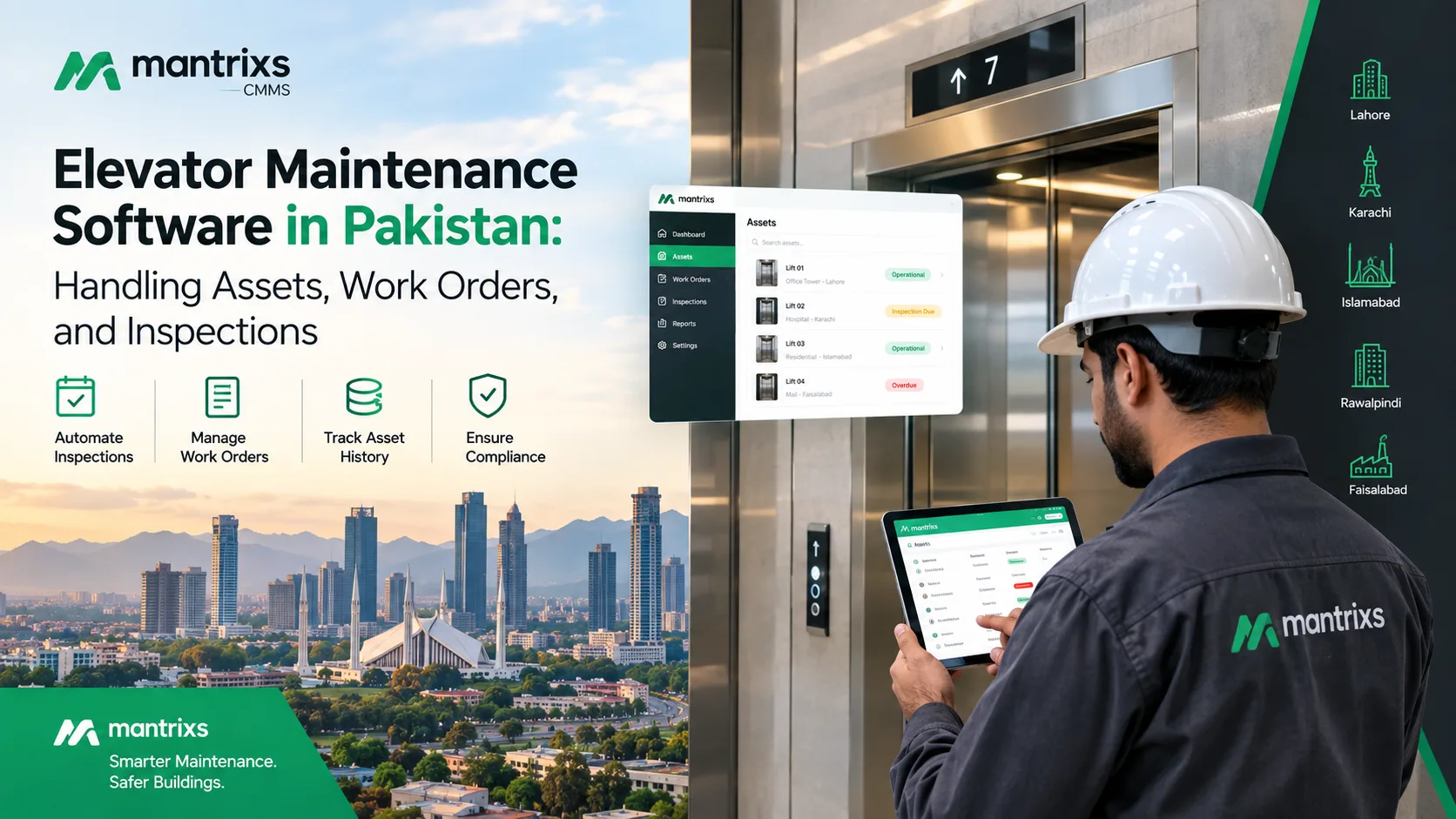
Elevator Maintenance Software in Pakistan: Handling Assets, Work Orders, and Inspections
Discover how elevator maintenance software in Pakistan helps facility teams manage assets, inspections, work orders, maintenance records, and multiple properties.