Mobile CMMS
How Mobile CMMS Helps Field Technicians Work Faster
Mobile CMMS (Computerized Maintenance Management System) lets field technicians use their phones or tablets to get to work orders, asset history, and communication tools in real time
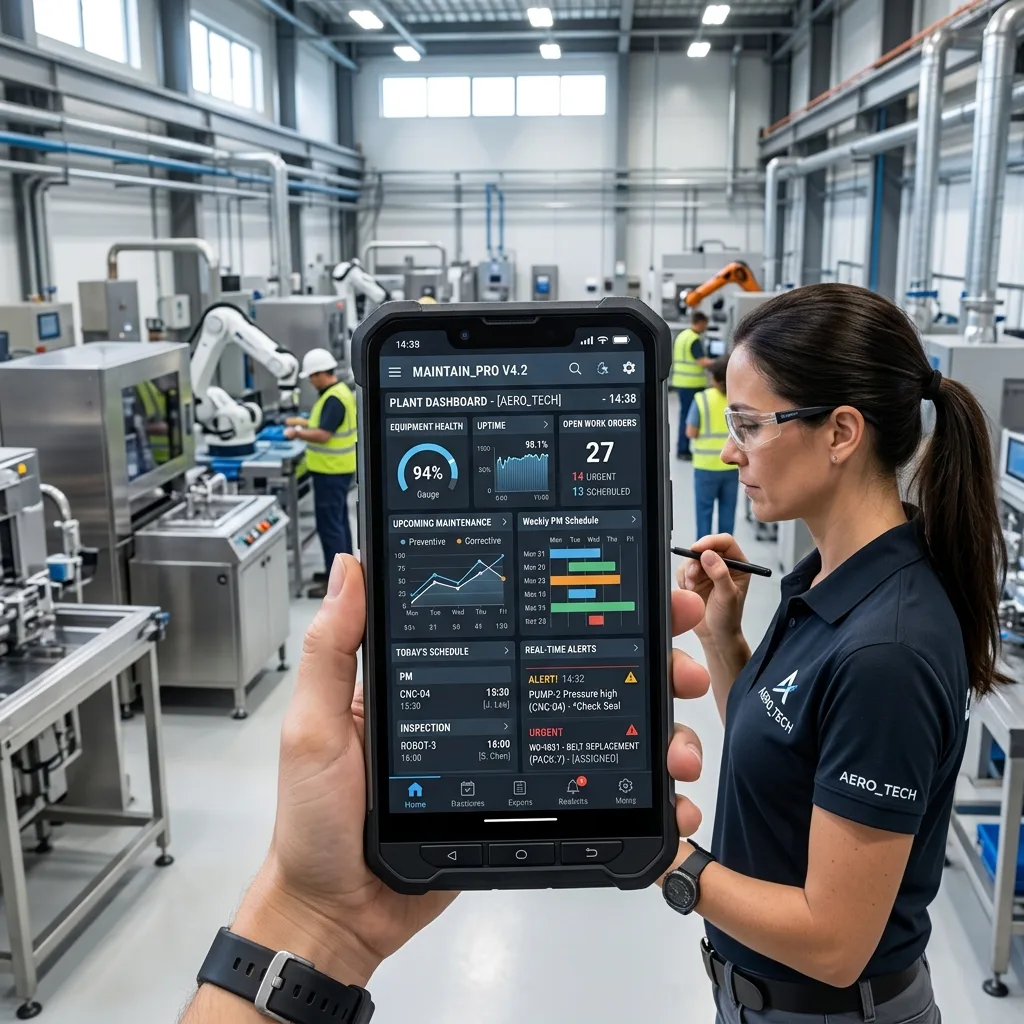
Mobile CMMS (Computerized Maintenance Management System) lets field technicians use their phones or tablets to get to work orders, asset history, and communication tools in real time. By eliminating paperwork, reducing delays, and enabling proactive maintenance, mobile CMMS significantly boosts field technician efficiency and productivity.
It has always been hard to do maintenance work. Field technicians juggle complex equipment, tight schedules, and the constant pressure to minimize downtime often while working in remote or challenging environments. Paper-based systems, radio communication, and keeping records by hand were used to do the job for many years.
Then came CMMS Computerized Maintenance Management Systems which digitized those processes and brought structure to maintenance operations. But even desktop-based CMMS had a limitation: it kept the data in the office, far from where the work actually happens.
Mobile CMMS changes that. Mobile CMMS changes how field teams work by putting the full power of a CMMS platform right in the pocket of a technician. As a result? Faster response times, fewer errors, and more work completed per shift.
The Real Challenges Field Technicians Face Every Day
Before exploring solutions, it's worth knowing the friction points that slow technicians down.
One of the main causes is paperwork that has to be done by hand. Technicians fill out paper work orders, copy readings by hand, and submit reports that someone else must then re-enter into a system. This extra work wastes time and leads to mistakes.
Accessing information slowly makes the problem worse. When the technician gets to the site, they find that they need the asset's maintenance history, a wiring diagram, or a list of parts, but they can't get these things without calling back to the office.
Communication problems lead to more problems. Without a centralized system, coordinating between technicians, supervisors, and parts departments often means a chain of phone calls, missed messages, and duplicated effort.
Techs sometimes make decisions without having all the information they need because they can't get to all the resources they need on-site. That guesswork leads to repeat visits, incomplete repairs, and frustrated customers.
How Mobile CMMS Solves These Challenges
Real-time access to work orders and asset history
With mobile CMMS, technicians get work orders right on their phones as soon as they are assigned. More importantly, each work order has a link to a full background of the asset, including past repairs, problems that keep happening, manufacturer specs, and notes made by technicians.
You don't have to call the office in the middle of a job with this on-demand information gathering. Technicians arrive informed and prepared, which reduces guesswork, prevents repeat mistakes, and shortens job completion times.
Streamlined data entry and reporting
Digital forms and checklists take the place of all paper-based tasks. The mobile CMMS app lets technicians do inspections, record readings, and take pictures all at the same time. The data is then put together automatically in a report, so no one has to enter it again by hand.
The effect further down the line is big: maintenance records are more accurate, audit trails are cleaner, and supervisors can see how the job is going in real time without having to keep asking for updates.
Enhanced communication and collaboration
Mobile CMMS platforms usually have messaging, file sharing, and the ability to report problems with photos or videos attached built right in. When a technician comes across a problem they haven't seen before, they can quickly get help from a remote expert by sharing live video or annotated images. They don't have to wait for someone to come to the site.
Improved asset management and tracking
Tracking GPS locations in mobile CMMS helps dispatchers send the closest available technician to pressing jobs, which greatly reduces response times. Technicians can quickly get full information about an object by scanning a barcode or QR code. They don't have to look through spreadsheets or filing cabinets.
Proactive maintenance capabilities
Technicians are notified by scheduled maintenance alerts before equipment breaks down, not after. Some more advanced mobile CMMS platforms also have predictive analytics tools built in. These use sensor data to find assets that are starting to show signs of wear before they break. Preventative maintenance cuts down on calls for help in an emergency and makes things last longer, which saves money in two ways.
What You Should Look for in a Mobile CMMS
Not every mobile CMMS platform is made the same. When evaluating options for field technicians, highlight these capabilities:
Easy-to-use interface: Technicians are always on the go. Complicated software slows them down. A clean, easy-to-use interface cuts down on teaching time and makes it easier for people to use.
Offline capabilities: Field work often happens in areas with poor connectivity. No matter how strong the signal is, a mobile CMMS that works without an internet connection and syncs itself when one is restored will keep things running smoothly.
System integrations: A mobile CMMS that works with ERP, inventory management, and procurement systems gets rid of data silos so that parts can be ordered, tracked, and received without having to switch platforms.
Customizable workflows and forms: Different industries and asset types require different data. Customizable forms ensure technicians capture exactly what's needed no more, no less.
Strong security: Maintenance data often contains private information about assets and operational details. Role-based access rules and data encryption are non-negotiable.
Benefits That Extend Beyond Speed
The main benefit of mobile CMMS is that it saves time and money, but it also helps the whole organization.
Cost savings accumulate through reduced downtime, fewer repeat trips, and optimized parts and labor allocation. When technicians complete more jobs per day with fewer errors, the financial impact compounds over time.
Another benefit that isn't given enough credit is that it makes technicians safer. Digital safety checklists, alerts for specific assets that are at risk, and real-time visibility for supervisors all help make the workplace safer.
When response times go down and first-time fix rates go up, customer satisfaction goes up. Customers notice when techs show up ready to work, do the job right the first time, and keep clear records of their work.
When leaders have access to accurate data in real time, they can make better decisions. Operations managers can make better decisions about how to spend money and what resources to use by looking at maintenance trends, asset performance metrics, and technician productivity reports.
A Practical Example: Mobile CMMS in Action
Think about a company that takes care of a large complex of commercial buildings. Before mobile CMMS was used, technicians started each day by getting paper work orders from the office. They then drove to sites without knowing anything about the history of the assets there and radioed the office whenever they needed parts or help. A lot of the time, tasks that were supposed to take 45 minutes took two hours.
Technicians got digital work orders with full asset histories before they left the depot after mobile CMMS was put in place. On-site, QR code scanning pulled up equipment manuals quickly. Requests for parts were sent straight from the app, which cut down on wait times. Within three months, the company saw a 30% drop in the average time it took to finish a job and a clear drop in the number of calls for service that were needed again.
Best Practices for Implementing Mobile CMMS Successfully
Invest in training and change management
People can't use technology if they aren't brought along. Before the go-live date, hold hands-on training sessions and choose internal champions who can help coworkers through the change. Deal with pushback right away. Most hesitation is caused by not knowing what to do, not real opposition.
Use a phased rollout
By introducing mobile CMMS to a single team or site at a time, you can find problems with the configuration and gaps in the workflow before rolling it out to the whole company. Early users' feedback makes the setting better for everyone else.
Choose the right mobile CMMS provider
Evaluate vendors on mobile-first design (not just a desktop system with a mobile app bolted on), quality of customer support, frequency of updates, and the depth of integration options. Request a pilot period before committing to a long-term contract.
The Future of Field Service Runs on Mobile CMMS
Mobile CMMS has already moved from a competitive advantage to an operational expectation in many industries. As IoT sensors become more affordable and AI-driven predictive analytics mature, mobile CMMS platforms will become even more powerful automatically flagging issues before technicians are even dispatched.
For field technicians, that means less reactive firefighting and more skilled, purposeful work. For organizations, it means assets that last longer, operations that run smoother, and customers who stay loyal.
Keep reading
More from the Mantrix blog

Parking Lot Maintenance: Save Money with Preventive Care
A proactive parking lot maintenance strategy helps prevent potholes, cracks, drainage issues, and costly repairs. This guide explains preventive maintenance, common parking lot problems,
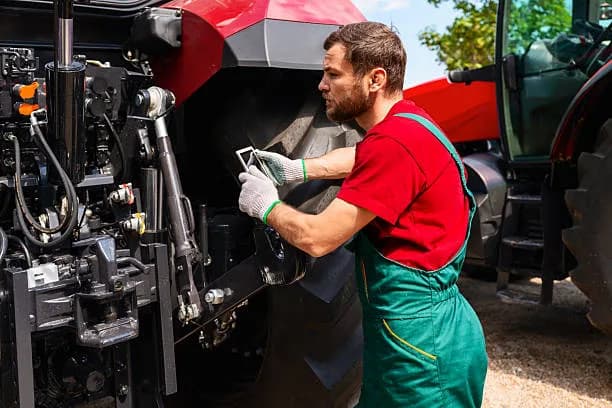
Agtech Farm Equipment Maintenance: Common Challenges and How to Solve Them
Farm equipment maintenance is becoming more complex as modern machinery evolves. Learn how digital maintenance systems, preventive scheduling, and agtech solutions can reduce downtime and improve equipment reliability.
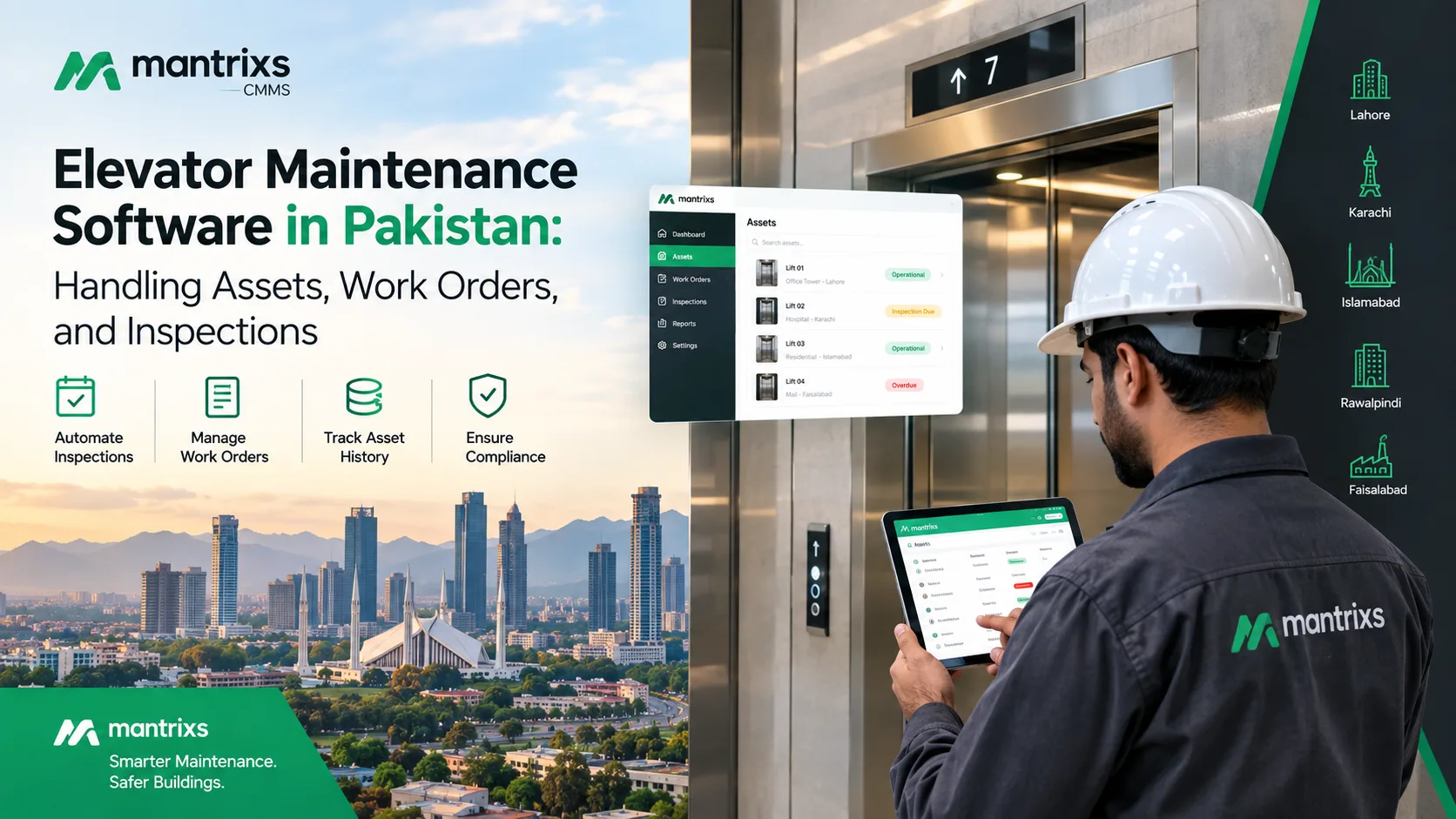
Elevator Maintenance Software in Pakistan: Handling Assets, Work Orders, and Inspections
Discover how elevator maintenance software in Pakistan helps facility teams manage assets, inspections, work orders, maintenance records, and multiple properties.